A buyer’s guide to phones, networks and video bars
Start with what you need to replace or connect. Use this guide to measure what matters, compare configurations and write a useful enquiry to Nova Ponte.
How much storage do you need?
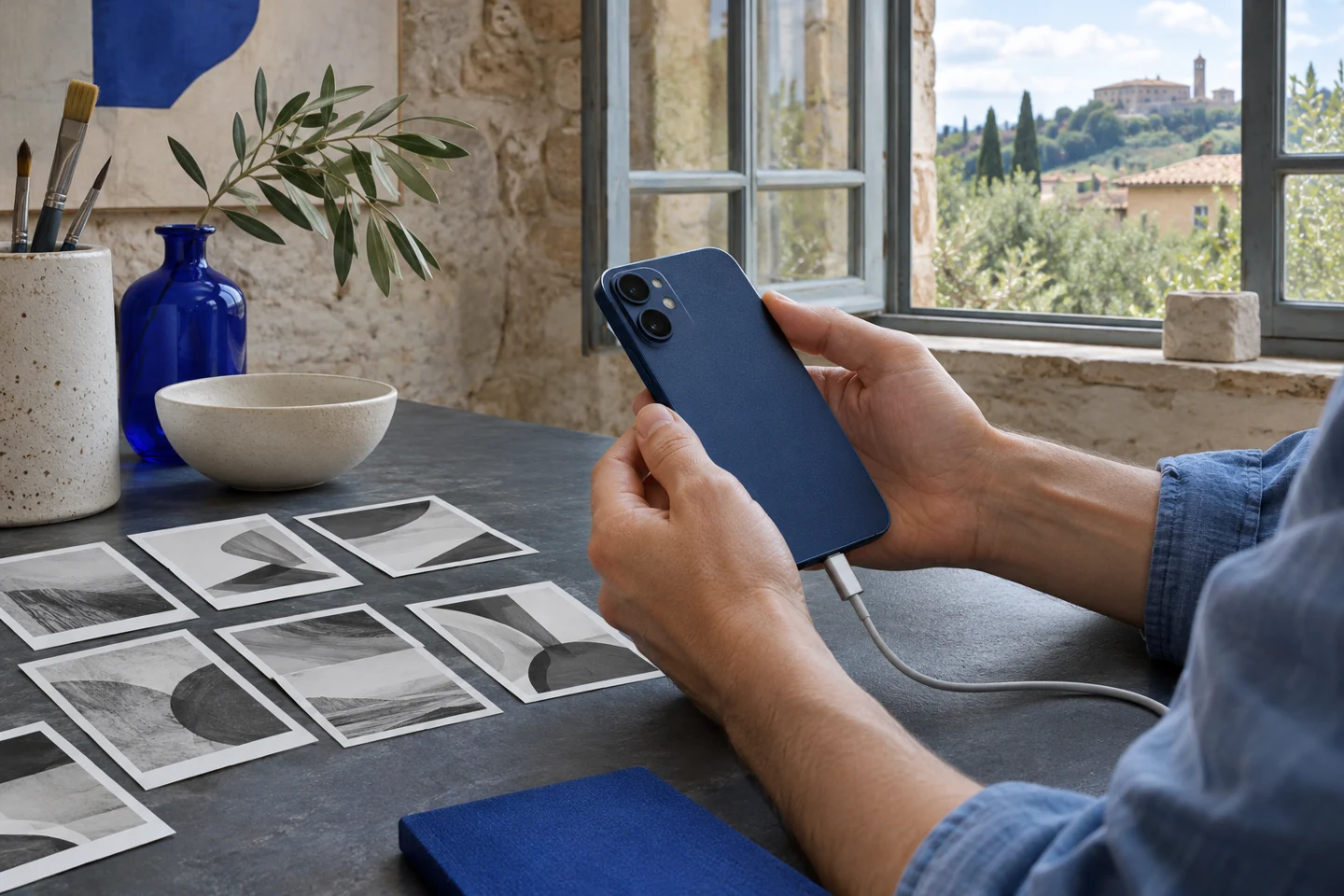
Before replacing your phone, open Settings and check how much space your photos, videos, apps and offline files use.
Check how much you use today and leave room if you record video frequently.
Choose a book-style foldable if you work side by side in apps. A clamshell folds to take up less space in a pocket.
Include your carrier and SIM type if you want to keep them.
Replacing a phone
Check how much space photos, messages and apps take up in Settings. Back up before moving your line. For 512 GB compare iPhone 18 Pro and Galaxy Z Flip7. For larger local libraries consider Pixel 10 Pro at 1 TB or iPhone 18 Pro Max at 2 TB.
If you read documents beside email, compare Fold7 with single-screen phones. If pocket size matters more, look at Flip7. Check whether your apps support the way you want to use them and whether the case leaves the hinge free.
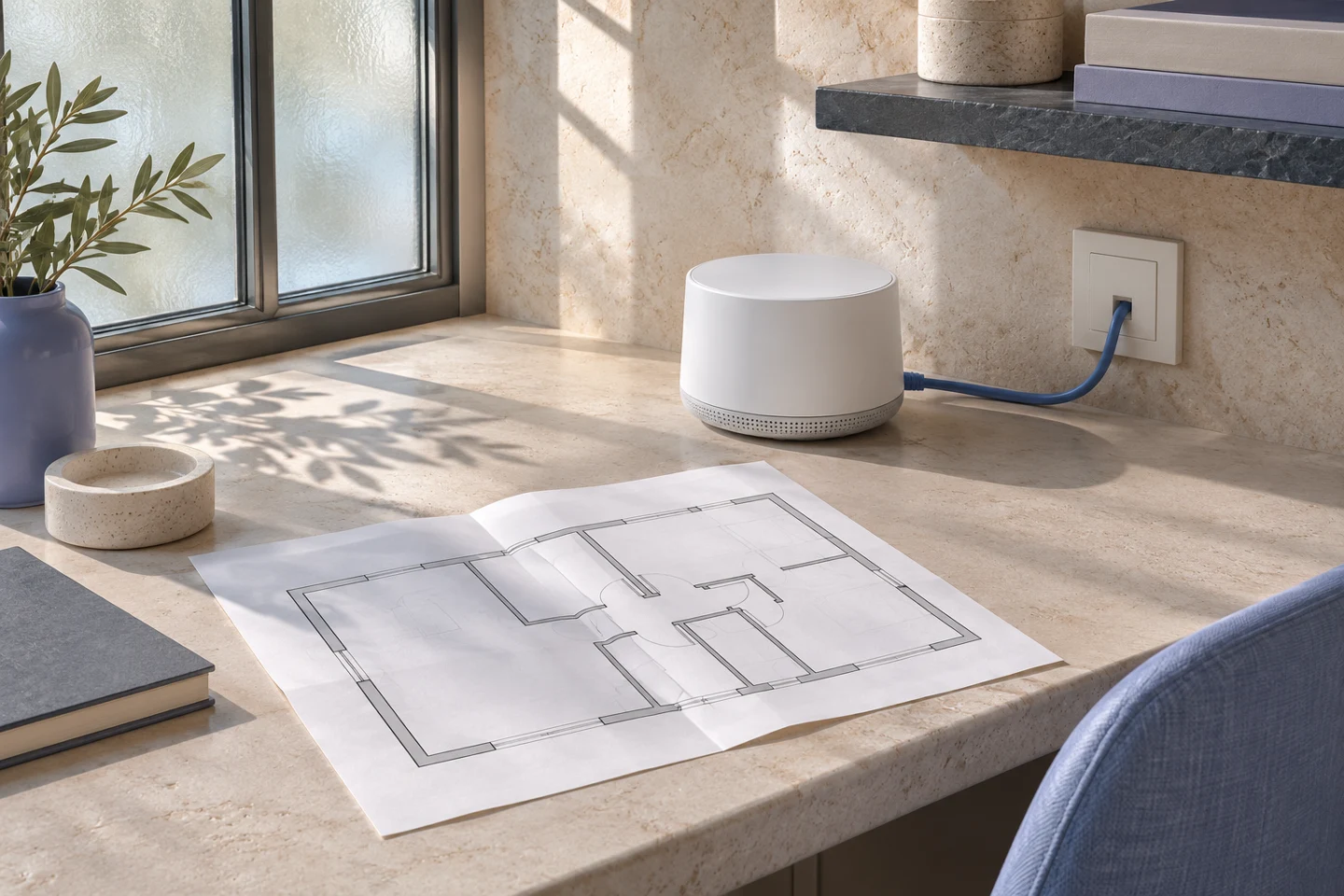
Before comparing mesh kits, locate the fibre connection and note where calls or streams cut out. Floors and walls can affect your choice more than the speed printed on the box.
Mark the modem, Ethernet sockets and rooms where you work or stream.
Place the first node near the modem. For the second, look for a power socket between the modem and the dead zone where the connection to the first node is still reliable.
For a rack gateway, plan separate access points and cabling.
Extending Wi-Fi beyond the router
Separate weak signal from a slow internet connection with good signal. The two-unit Orbi kit has one satellite. The three-unit kit has two, useful when two distant areas need separate coverage. Note whether Ethernet already runs between floors.
For a network with separate access points, check rack space, power sockets and the ports on the modem and switch. Dream Machine Pro Max is a wired gateway. Include your planned access points if the setup needs Wi-Fi.
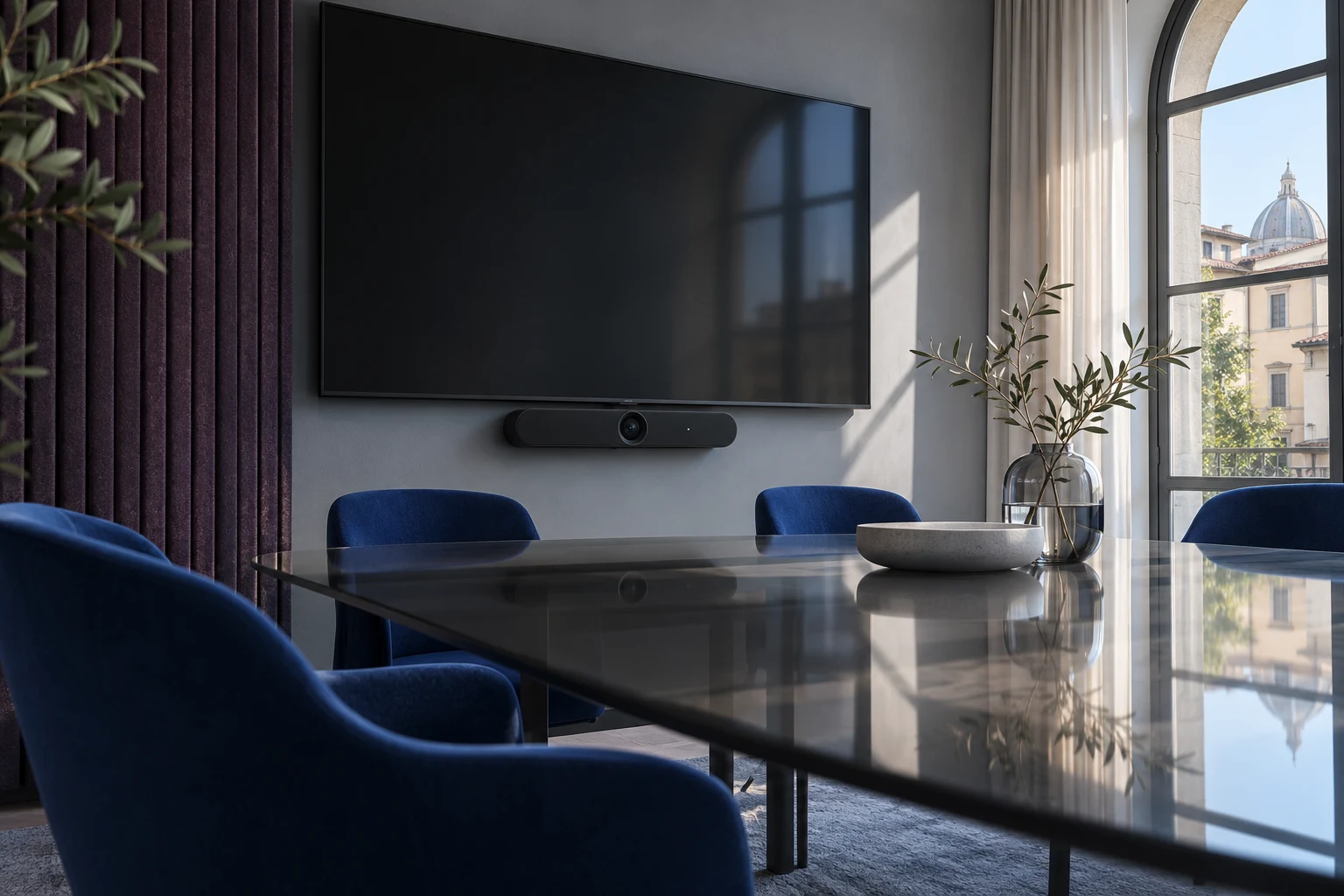
A bar near the screen can simplify audio and video. A room where everyone brings a laptop needs a different setup from one with a controller and shared calendar.
Measure the distance from the bar to the furthest seat.
Decide whether you need a USB connection or a dedicated platform and controller.
Check the display, power, cable routes and meeting platform compatibility before buying.
Connecting a laptop in a small room
If meetings run from a participant’s laptop, check the USB cable route and how the laptop connects to the display. Start with MeetUp 2. Compare Huddle if you are also considering a dedicated room platform.
Measure from the display to the furthest seat, and consider noise and table layout. Compare Rally Bar Mini and Rally Bar by room size and camera position. List any extra microphones or controllers separately in the request.
 Nova Ponte